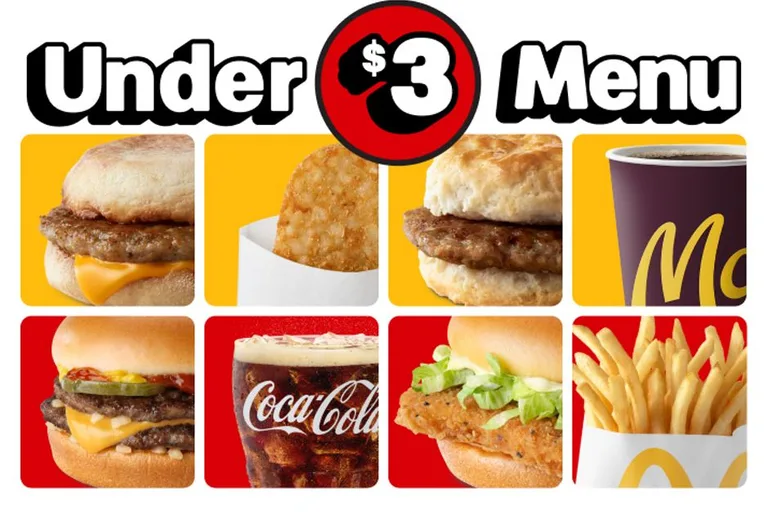
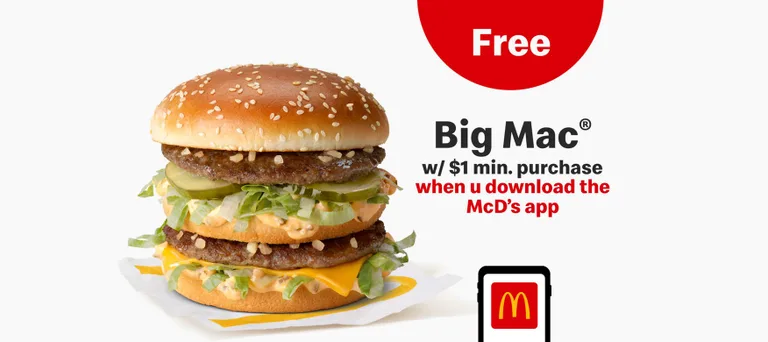
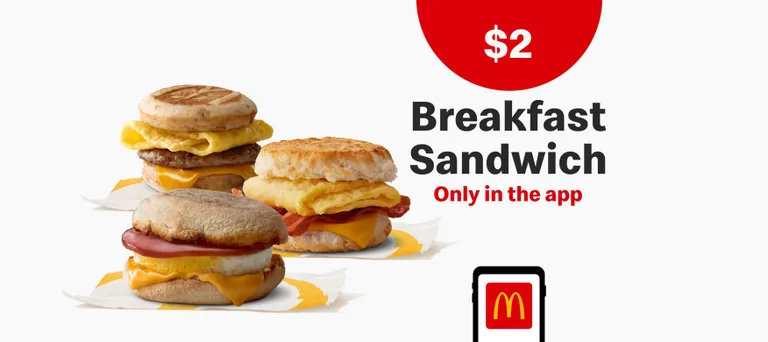
Details.
Deals are available in the McDonald's App. Log in, turn on location services and select Deals in the bottom navigation bar to find deals near you. If a deal is available through Mobile Order & Pay, select Add to Mobile Order, customise the items and choose Add to Order. You can redeem one deal per person per visit. After selecting Scan at Restaurant, the Deal QR Code remains active for 15 minutes. Deals are removed once they expire or have been used. Once you select Scan at Restaurant or Add to Mobile Order and then Use Deal, all other offers become unavailable for the next 60 minutes.